Check how long your provision keeps its records
Written for: Alternative provision leaders and DSLs.
The retention schedule in Audit and Retention shows, for each kind of record your provision keeps in Student Radar, how long it should be kept, when that period starts and what Student Radar actually does with the record. Use it to write or check your own retention policy.
Open the retention schedule
Section titled “Open the retention schedule”In the sidebar, open Compliance and choose Audit and Retention. The page opens on Retention schedule.
The page is titled Audit, Retention, and Records Toolkit. The banner has two shortcuts: Record export opens Provision Settings, where you can export your learner records, and Evidence Store opens your stored documents.

Read a record card
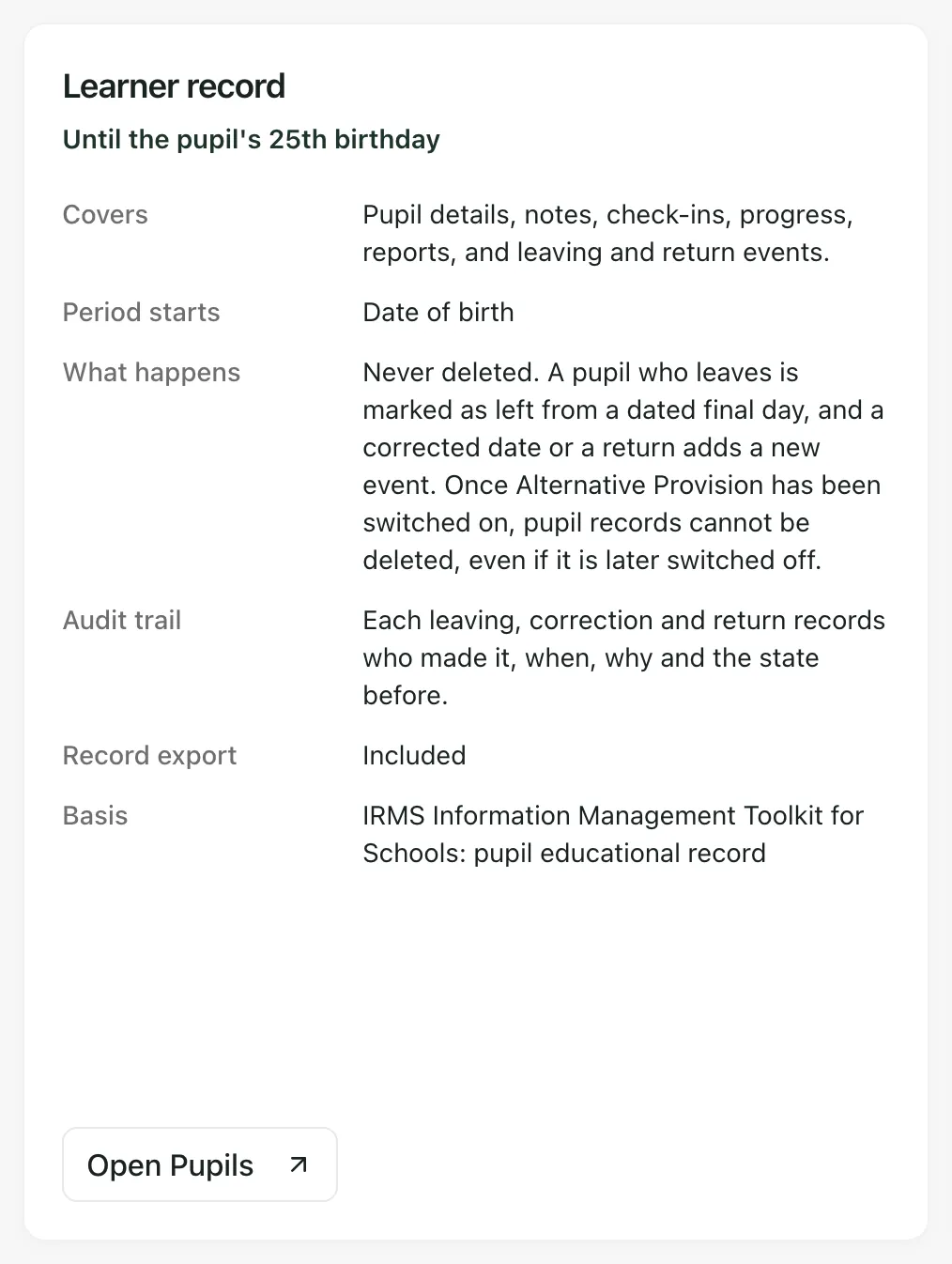
Section titled “Read a record card”There’s one card for each kind of record. The period is shown under its name, and the card says:
- Covers: which records it includes.
- Period starts: the date the period counts from, such as the pupil’s date of birth or the day a member of staff leaves.
- What happens: what Student Radar does with these records, for example whether a correction keeps the earlier version.
- Audit trail: what is recorded about each change, and who made it.
- Record export: whether your AP learner record export includes these records, and why not if it doesn’t.
- Basis: the law or guidance the period comes from.
Each card has a button that opens the page where those records are kept, for example Open Pupils or Open Single Central Record.
The records on the schedule
Section titled “The records on the schedule”| Record | Suggested period |
|---|---|
| Learner record | Until the pupil’s 25th birthday |
| Referrals | With the learner record if placed; otherwise 1 year after the decision |
| Anonymised referral copies | No longer than the original document |
| Referral portal uploads | As for the referral they belong to |
| Placements | With the learner record, until the pupil’s 25th birthday |
| Attendance | At least 6 years from each entry, and with the learner record |
| Risk assessments | With the learner record, until the pupil’s 25th birthday |
| Single central record | While the person works with you, then 6 years after they leave |
| Invoices and billing | 6 years after the end of the financial year they relate to |
Check the card for the full wording and its basis.
When a period ends
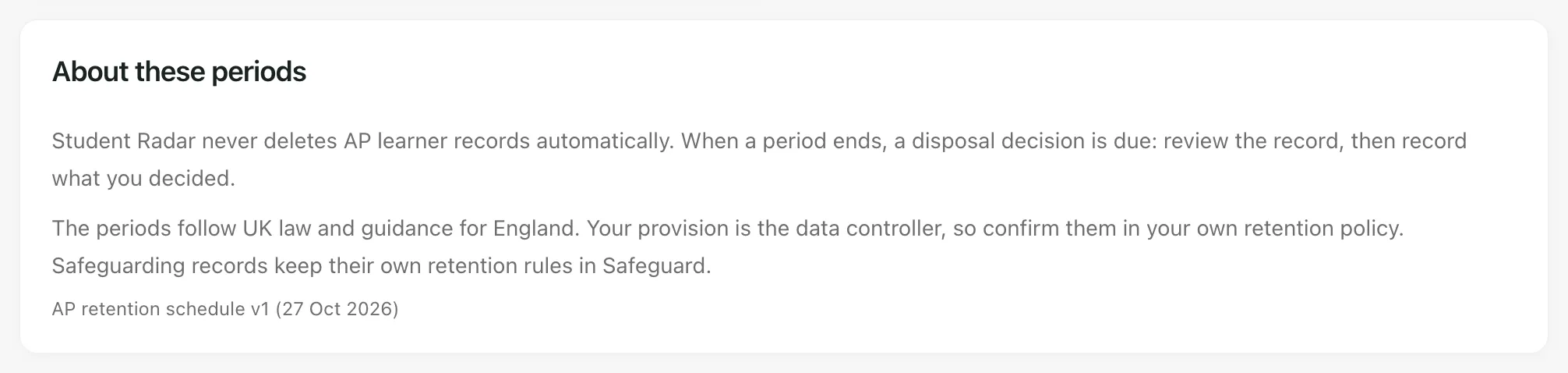
Section titled “When a period ends”Student Radar never deletes AP learner records automatically. When a period ends, a disposal decision is due: review the record, decide what to do with it and keep a note of what you decided.
The periods follow UK law and guidance for England. They’re a starting point for your own judgement, not a ruling. Your provision is the data controller, so confirm each period in your own retention policy, taking advice from your data protection officer where you need it. The version of the schedule is shown at the bottom of About these periods.
- Safeguarding records: these aren’t on this schedule. They keep their own retention rules in Safeguard.
- Who can open the page: leaders and safeguarding leads can open Audit and Retention by default. If you can’t see it under Compliance, ask your Provision Lead for access.
- Subject access requests: the Subject access section of the same page helps you answer a request for a pupil’s records. See Respond to a subject access request for a pupil.
- Single Central Record: for staff checks and leavers, see Keep your Single Central Record.
If something doesn’t work
Section titled “If something doesn’t work”| What you see | What to do |
|---|---|
| Audit and Retention isn’t under Compliance | Your access doesn’t include the page. Ask your Provision Lead. |
| A card’s button opens a page you can’t use | Each page checks your access on its own. Ask a colleague who works with those records, or your Provision Lead. |
| You want to delete records whose period has ended | Student Radar doesn’t delete AP learner records. Record your disposal decision in line with your retention policy. |