Sign in with your username or emoji password
Written for: Pupils.
Your school gives you a username and a password for Student Radar. Your password might be made of letters and numbers, or it might be 4 emojis. This guide shows you how to sign in with either one.
Sign in with a typed password
Section titled “Sign in with a typed password”- Go to the Student Radar sign-in page.
- At the top, click Student.
- In Username, type your username.
- In Pupil password, type your password.
- Click Sign in.
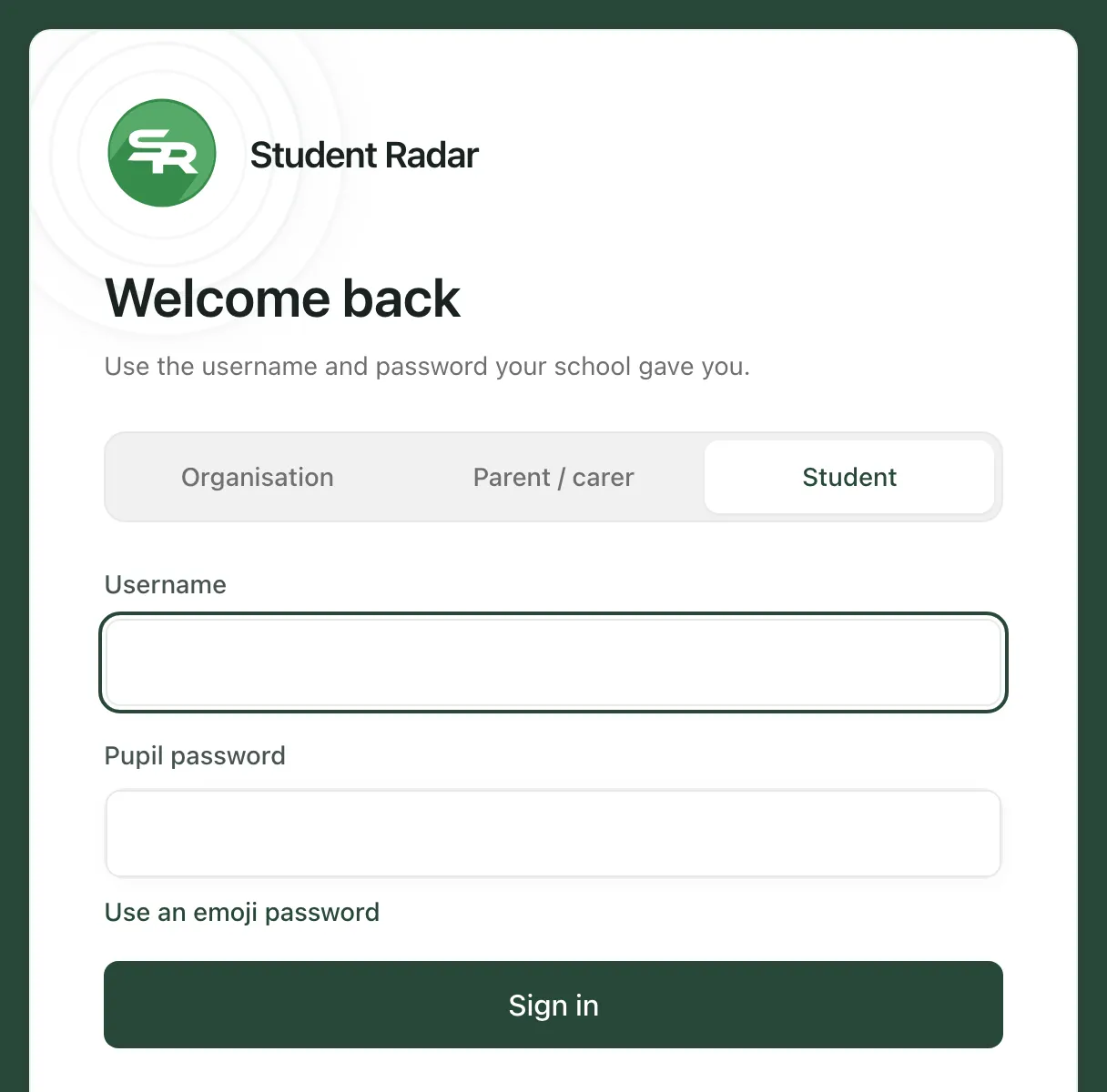
You’ll see “Signed in. Opening Student Radar…” and then your own Student Radar space opens.
Sign in with an emoji password
Section titled “Sign in with an emoji password”- Go to the Student Radar sign-in page and click Student.
- In Username, type your username.
- Click Use an emoji password.
- Click your 4 emojis in the right order. Each one fills a box, but the boxes show a dot instead of the emoji, so nobody can see your password.
- Click Sign in.
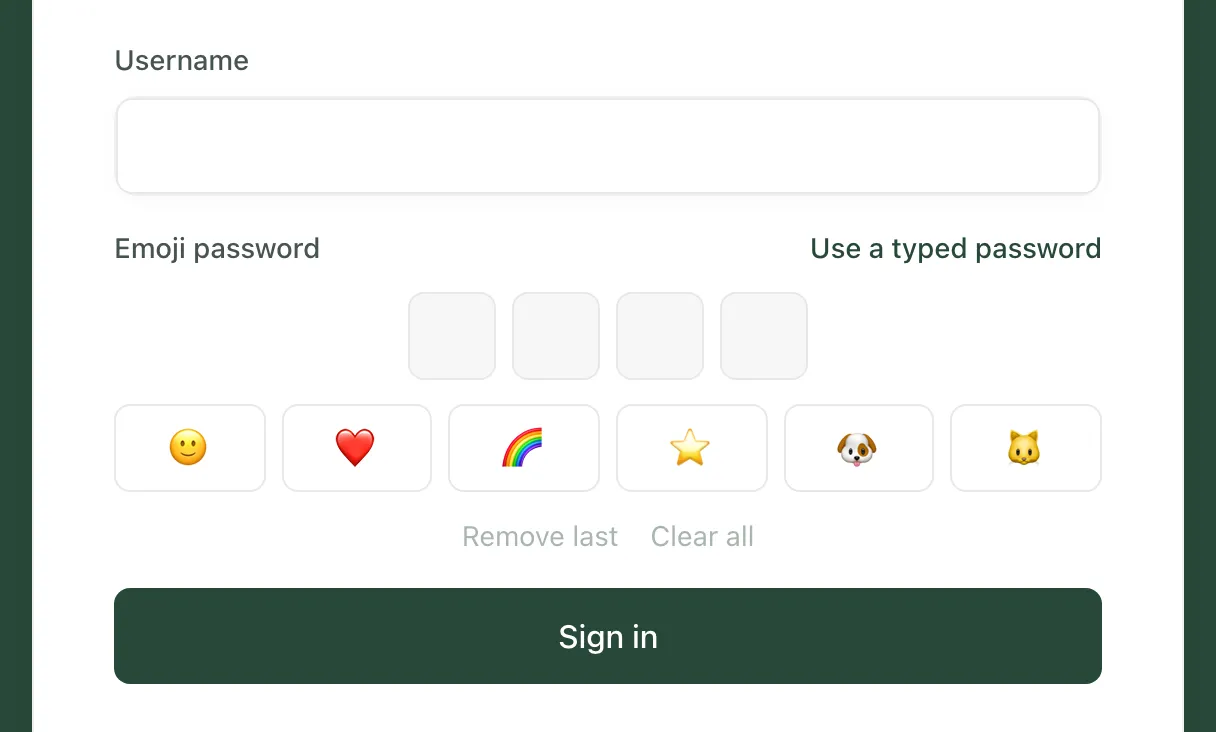
Made a mistake? Click Remove last to take away the last emoji, or Clear all to start again. To go back to typing a password, click Use a typed password.
Keep your password safe
Section titled “Keep your password safe”- Don’t tell anyone your password, not even your friends.
- If you think someone knows your password, tell your teacher. Your school can give you a new one.
- When you’ve finished, sign out. Click your picture or initial at the top right of the page, then click Log out.
If something doesn’t work
Section titled “If something doesn’t work”| What you see | What to do |
|---|---|
| “Enter your username.” | Type your username in the Username box. |
| “Enter your pupil password.” | Type your password in the Pupil password box. |
| “Pick all 4 emojis in order.” | Your emoji password has 4 emojis. Click Clear all and pick all 4 again. |
| “That username or password is not correct. Ask your teacher to check it.” | Check your spelling and try again. If it still doesn’t work, ask your teacher to help you. |
| “Sign-in is unavailable right now. Please try again shortly.” | Wait a few minutes, then try again. |
| “This is taking longer than usual. Please keep this page open.” | Keep waiting. Don’t close the page. |
| You’ve forgotten your username or password | Ask your teacher. Your school can look up your username and give you a new password. |