
Record a safeguarding disclosure by preserving the child's words, the time and setting, what you directly observed, any open questions you asked and the immediate action taken.
Pass the record through the school's safeguarding route without investigating, smoothing the account or waiting for connected data. The DSL or deputy owns the professional response.
This guide is for schools and colleges in England and was reviewed on 9 September 2026. Follow your child protection policy, local procedures and urgent safeguarding routes.
Use the guidance that is in force now
Keeping children safe in education 2026 is statutory guidance in force from 1 September 2026. Schools and colleges in England must have regard to it when carrying out their safeguarding duties.
Part one says staff should act immediately, follow the setting's policy and speak to the DSL or deputy about a concern. Staff should never promise that a report will remain secret.
KCSIE says concerns, discussions, decisions and reasons should be recorded in writing. Records should be confidential, secure and include the follow-up, action and outcome.
Annex B adds that safeguarding records should be clear and factual. Direct observation, professional opinion and historic information should remain distinguishable.
The Department for Education's 2015 practitioner guide is departmental guidance. It tells staff to listen, take a child's report seriously and explain the action being taken.
KCSIE Part five gives more specific practice for reports of child-on-child sexual harassment and sexual violence. Its recording detail should not be presented as a rule for every case.
Within that scope, staff should listen carefully, use the child's language, avoid judgement and leading questions, and make a written record without interpretation or personal opinion.
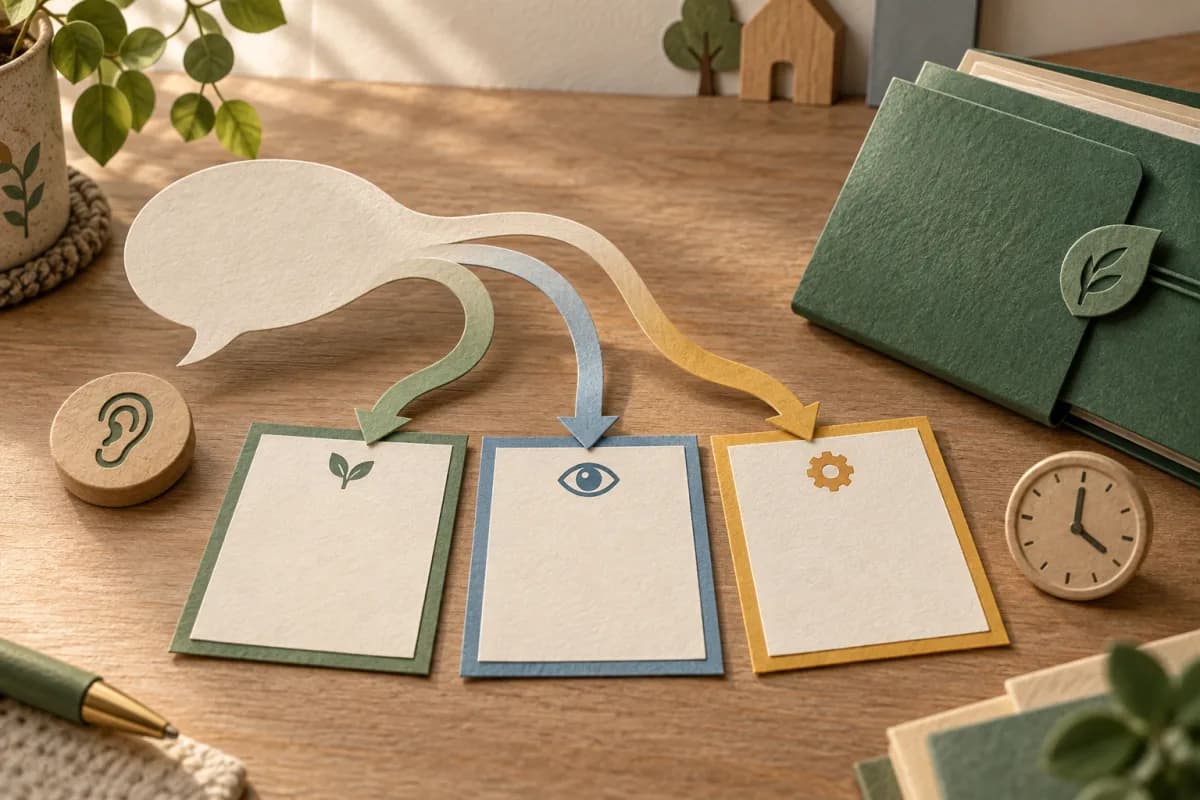
Listen first, then make the detailed record
Give the child your attention. Stay calm, take the report seriously and explain that you will share it with people who can help. Do not promise confidentiality.
Use the child's communication method and language. Reflecting back can check that you have heard correctly. Avoid completing their account for them or pressing for a fuller story.
Ask only what is needed to clarify and follow training and local procedure. An open question records what the child wishes to say. It does not turn a staff conversation into an inquiry.
Where possible, write the detailed summary after the conversation so attention stays with the child. If brief notes are needed, remain engaged and preserve them according to policy.
Report immediately through the setting's route. If a child is in immediate danger, use the emergency route now. A complete form or fuller dataset must never become a reason to wait.
Build the record in eight separate parts
- Source: identify who spoke, who directly observed something and how the concern reached the recorder.
- Time and setting: record when and where the conversation or observation happened. Mark an estimate as approximate.
- The child's words: preserve the words used. Do not replace them with a neater summary or a safeguarding category.
- Direct observation: state only what the recorder saw or heard. Keep interpretation out of this field.
- Questions asked: record the prompts used so a later reviewer can see how the account was elicited.
- Immediate action: record what happened next, including who was contacted and any support provided.
- Receipt and ownership: show that the DSL or deputy received the report and who owns the next action.
- Later decision: add the DSL's decision, rationale, outcome and review point as a later entry. Never rewrite the original account.
Watch a made-up record develop without changing its meaning
The record below is invented for this explanation. It contains no real pupil, family, staff, school or customer information, and it is not a model referral or threshold decision.
At 15:02, a pupil tells a member of staff, "I don't want to go to the club." The adult records the sentence as spoken and the place where the conversation happened.
The adult's direct observation is separate: the pupil stopped beside the classroom door and spoke quietly. Those details describe the moment. They do not explain its cause.
The record includes the adult's open prompt: "Tell me what you mean by that." It then records the pupil's response in their words, without adding a label or testing the account.
The adult explains that the concern must be passed on and uses the school's safeguarding route. The record shows the time the deputy DSL received it and the immediate action taken.
Attendance confirms the pupil is on site. The club register identifies the planned session. A communication record shows a transport change, and SEND metadata notes a communication aid.
These records improve the deputy DSL's questions about timing, communication and immediate support. They cannot prove what happened, why the pupil spoke, whether harm occurred or what threshold applies.
The deputy opens the authorised source records, follows local procedure and records a human decision, owner and review point. Detailed safeguarding content stays in its protected record.
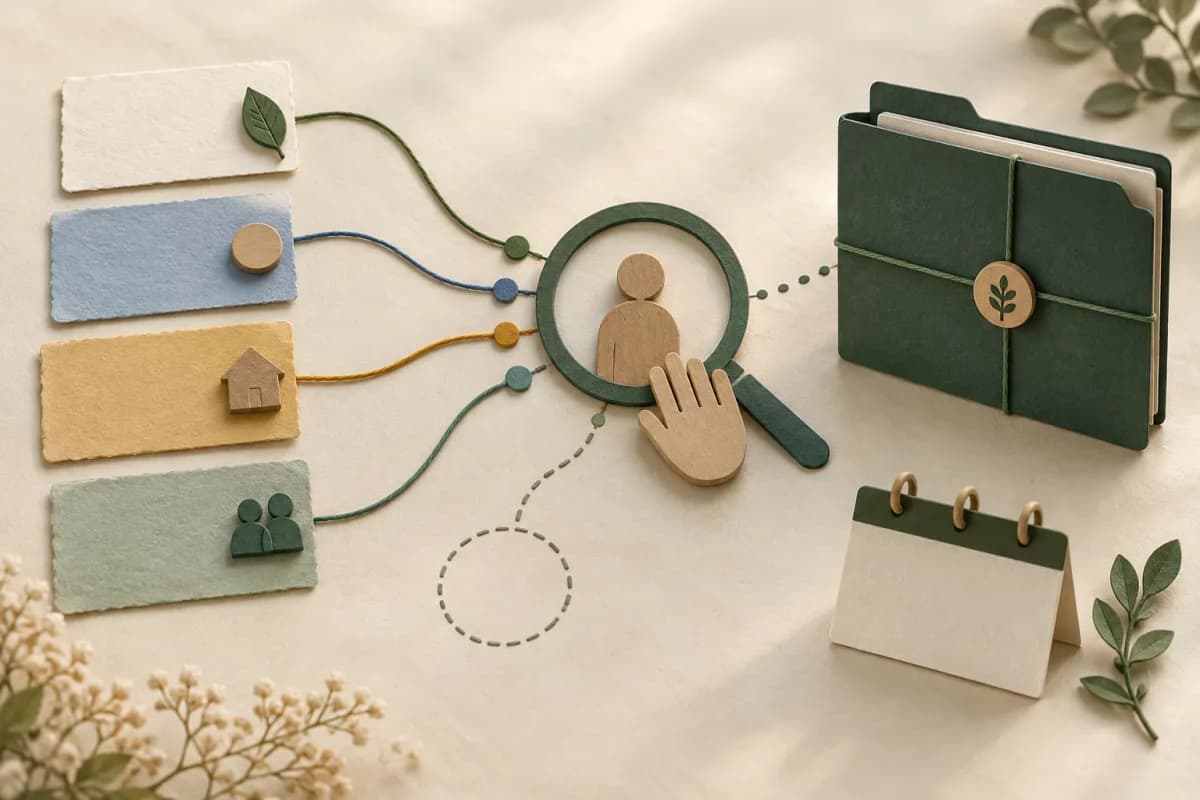
Use connected data after the report, never instead of it
Attendance, behaviour, health, SEND and communication records may add timing, access or support context. They should prompt professional enquiry and must retain their provenance.
Record who created each item, when it was observed, what is missing and whether it is direct evidence or professional interpretation. Open the authorised source before relying on it.
Do not copy the child's account into a general dashboard, SEND plan or behaviour log. A link or minimal status can support the workflow while the narrative stays in the safeguarding file.
SEND, disability, health, behaviour, attendance or family circumstances are not proxies for abuse, risk, credibility, parental capacity or a statutory threshold.
Record the sharing decision as carefully as the concern
DfE information-sharing advice is non-statutory. It says to share relevant, accurate and necessary information securely and to record the rationale whether information is shared or withheld.
Working Together to Safeguard Children 2026 is statutory guidance for England. It links timely recording and information sharing to effective multi-agency practice.
The ICO's 10-step safeguarding guide says data protection enables fair, proportionate and lawful sharing. The ICO marks that 2023 guide as under review after later data-law changes.
Follow the setting's policy and local safeguarding partnership routes. The purpose, recipient, lawful basis, minimum necessary information and decision owner should be clear.
How Student Radar supports the review
Where enabled and configured, Safeguard provides structured fields for observations, exact words, timing and immediate actions.
Chronology keeps later entries in sequence. The DSL Action Board supports ownership, actions and review points for authorised safeguarding staff.
These controls can preserve a review trail and keep records connected. They cannot investigate a report, judge credibility, substantiate harm, score risk, set a threshold or make a referral.
Audit one recording route this week
- Use an invented disclosure to test staff access to the reporting route.
- Check that exact words, observations and questions remain separate.
- Confirm urgent action can continue when a form or system is unavailable.
- Verify receipt, ownership, rationale, outcome and a dated review point.
- Check that safeguarding narratives remain inside authorised source records.
- Review the exercise with the DSL and update local training where it exposed a gap.
Sources and further reading
- Department for Education, Keeping children safe in education 2026, statutory guidance in force from 1 September 2026. Page updated 1 September 2026.
- Department for Education, Working together to safeguard children 2026, statutory guidance published 18 March 2026.
- Department for Education, What to do if you're worried a child is being abused, departmental advice published 26 March 2015.
- Department for Education, Information sharing advice for safeguarding practitioners, non-statutory advice updated 1 May 2024.
- Department for Education, Data protection in schools: sharing personal data, departmental guidance updated 9 July 2026.
- Information Commissioner's Office, A 10 step guide to sharing information to safeguard children, published 14 September 2023 and currently marked under review.
- NSPCC Learning, Recognising and responding to child abuse and neglect, professional practice guidance updated 6 November 2025.
Student Radar can support authorised recording, chronology and DSL review. Book a demonstration to test the workflow against your policy, access model and local safeguarding procedures.