
A DSL should review a filtering or monitoring alert by checking what the system captured, who or what it can reliably be attributed to, what context is missing and what response the school's safeguarding procedure requires. Record the source, the professional judgement, the action owner and the review point separately. An alert prompts enquiry; it cannot establish harm, intent or a referral threshold. If there's an urgent concern, use the local safeguarding or emergency route immediately. Don't wait for more data.
This guide is for DSLs, deputy DSLs and safeguarding leaders in England. Sources were checked on 7 October 2026. Keeping children safe in education 2026 is statutory guidance in force from 1 September 2026. The review record below is a recommended working model, subject to your school's policy and local procedures. It isn't a statutory form or a substitute for safeguarding training and supervision.
What did the system actually capture?
The following fictional alert record was constructed solely for this walk-through. It contains no real pupil, family, staff, school or customer information. A monitoring service flags an excerpt from an AI-generated response during a lesson. The alert identifies an account and device, but the excerpt is incomplete and the person using the device hasn't been confirmed. No concerning content needs reproducing here.
The first factual signal is that the service recorded an event. The service's label is its classification. The DSL preserves that distinction in the authorised record: source service, event time and timezone, receipt time, account, device, capture type and the location of the protected original. A late notification needs its own entry so the response timeline remains clear.
Ask what the event represents: a blocked request, a visited page, text entered or an output captured. These have different evidential limits. A blocked request doesn't show that every route to the material was blocked. A logged account doesn't establish who used it. Record any uncertainty about identity, exposure and completeness explicitly.
DfE's filtering and monitoring core standard, updated on 16 September 2026, sets out a recommended approach to effective provision, responsibilities and review. Read it alongside KCSIE. Filtering controls access; monitoring helps identify activity for review. Both require people, reporting routes and an understood response process.
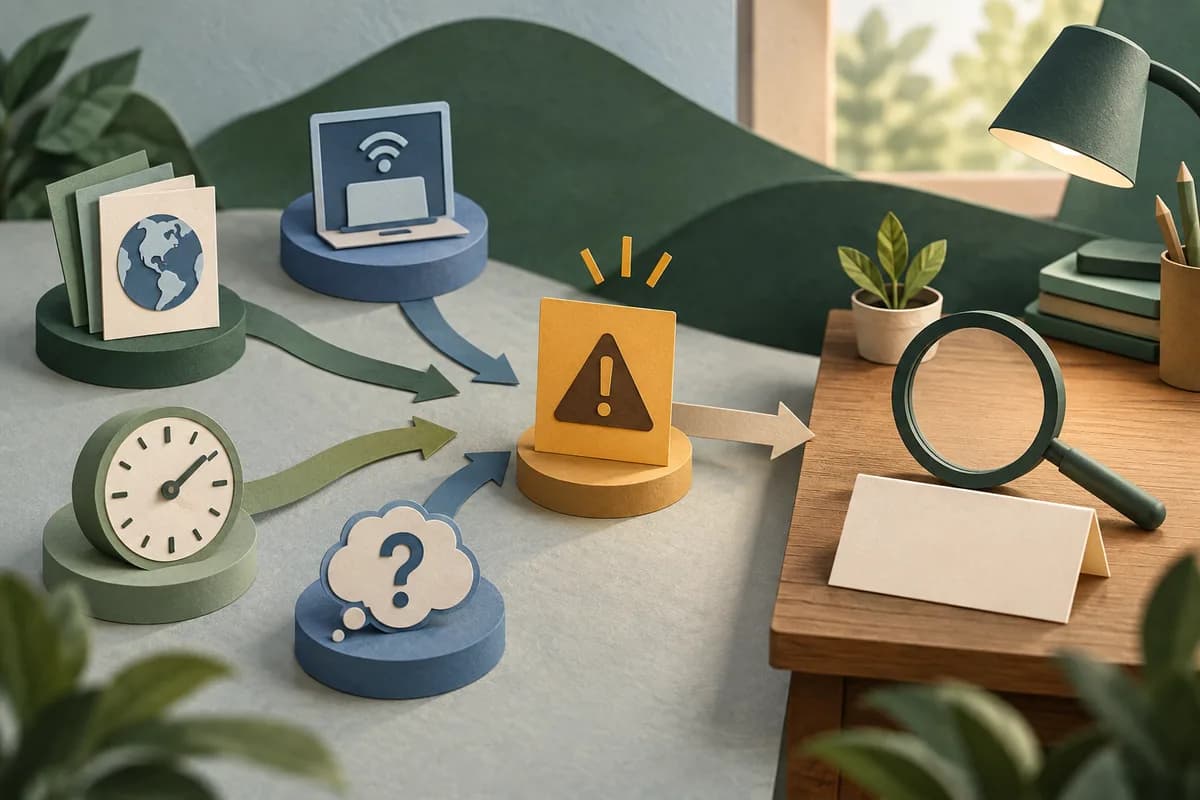
Can the captured content be reconstructed safely?
In the example, the IT lead confirms that the address belongs to a service that generates different responses within individual sessions. Opening the address later won't necessarily show what appeared at the time. The excerpt also omits the preceding prompt. The DSL records these limits without treating the missing material as reassuring or incriminating.
Dynamic pages, personalised feeds and generated answers make a URL an incomplete account of exposure. Ask the technical owner what the service covers, what it retains, whether timestamps align and which gaps remain. Keep technical verification within their role; the DSL owns the safeguarding interpretation. Don't ask staff or a pupil to recreate concerning prompts or circulate sensitive material. Follow the school's approved evidence-handling procedure.
DfE's generative AI product safety standards address safeguards for educational AI products. They are guidance principally for developers and suppliers; they don't certify an individual response as safe or decide a school's action. The DfE guidance on generative AI in education also informs school oversight. Supplier assurances and an alert label still need professional scrutiny in the setting where the tool is used.
Who checks the context before the label becomes a conclusion?
The deputy DSL reviews this alert under the school's cover arrangements. The IT lead checks provenance and the lesson teacher confirms the classroom circumstances. Their contributions remain attributed. The DSL cover and concern-intake guide explains how to keep receipt, responsibility and handover visible when the usual DSL is unavailable.
The teacher reports that the device was shared and an earlier session remained open. The attendance record places the pupil associated with the account away from the start of that lesson. That changes the attribution question. It doesn't prove that the pupil never used the device, identify another user or explain the generated response. The deputy DSL asks for clarification without turning an incomplete register entry into an alibi or an accusation.
An authorised SEND record also notes an agreed text-to-speech adjustment. This helps the reviewer plan an accessible conversation and ask whether support was available. It cannot explain the alert or make SEND a proxy for risk. Keep the connection narrow: record source, date, owner and relevant access arrangement. Leave sensitive narratives in their authorised source records.
A restricted record, failed retrieval or partial view is an evidence gap. It doesn't mean there are no concerns. The reviewer records what they could access and seeks clarification through the authorised route. Don't widen access or copy a safeguarding narrative into a behaviour record to make the review easier.

What belongs in the DSL's decision entry?
The example now has an alert, an incomplete excerpt, uncertain attribution and additional context. The deputy DSL records their assessment of the available information and the response under the school's policy. The model below shows the record structure; it deliberately omits any case-specific safeguarding assessment or referral decision.
Constructed review annotation: the captured event and its source are retained in the protected record. Identity and full exposure remain unconfirmed. The IT lead owns clarification of session provenance; the deputy DSL owns the safeguarding response and an accessible check-in through the school's procedure. Each action has a recorded deadline and receipt. The deputy DSL reviews the outstanding actions at the agreed handover point, or immediately if new information changes the concern.
In a real record, enter the responsible person, the actual deadline, the rationale for the response, any consultation or disagreement, and what would bring the review forward. A pending technical question cannot suspend an urgent safeguarding response. Follow local safeguarding partnership or children's social care routes where required, and contact emergency services where there is immediate danger.
Working together to safeguard children 2026 is statutory guidance for multi-agency working in England. Apply it with KCSIE and local procedures. The record model doesn't diagnose, substantiate harm, score risk, determine a threshold or make an autonomous referral. Those consequential decisions remain with the responsible professionals.
Where information needs sharing, use the statutory information-sharing guidance updated on 10 September 2026. Record the purpose, recipient, lawful basis, necessity, proportionality and secure route, including the reason for sharing or withholding information. Neither a blanket data-protection objection nor unrestricted circulation is an adequate response.
What changes when the review resumes?
At the agreed review point, the deputy DSL checks what was completed, what remains unknown and whether the pupil's account or further evidence changes the judgement. Record a later correction as an attributed addition, preserving the original source and the basis of the earlier decision. A technical false positive can close a technical question; it can't erase a separate concern raised by a child or adult.
The safeguarding chronology audit helps teams inspect that distinction between event, interpretation and action. If the same capture gap recurs, the DSL and technical owner take it into the school's review of filtering and monitoring provision. Check coverage, alert recipients, response arrangements and the limits staff understand, while continuing individual responses.
Leadership can connect this work to the KCSIE staff-readiness review. A documented system test or staff briefing supports assurance. It cannot establish that every harmful interaction will be prevented or detected.
Where Student Radar fits
Student Radar's Safeguard tools support concern recording, DSL case management and chronology. Authorised staff can review recorded attendance, behaviour, SEND and health context alongside a safeguarding case. That context supports professional enquiry; the DSL retains responsibility for interpretation and the response under local procedures.
This is a recording and review workflow. Student Radar doesn't supply web filtering, device or browser monitoring, or automatic ingestion of these alerts. Staff retain the original alert in the approved source system and record any relevant concern or action through authorised procedures. The product cannot establish complete coverage, decide a threshold or make a school compliant. Explore Safeguard against your recording needs after agreeing how your team receives, reviews and follows up alerts.
Sources and further reading
- Department for Education: Keeping children safe in education 2026, statutory guidance in force from 1 September 2026.
- Department for Education: Filtering and monitoring core standard, recommended approach updated on 16 September 2026.
- Department for Education: Generative AI product safety standards, guidance primarily for suppliers, updated on 19 January 2026.
- Department for Education: Generative artificial intelligence (AI) in education, non-statutory guidance updated on 12 August 2025.
- Department for Education: Working together to safeguard children 2026, statutory guidance published on 18 March 2026.
- Department for Education: Information sharing to safeguard children and young people, statutory guidance updated on 10 September 2026. The related section 16LA duty came into force on 30 September 2026.